
Managed IT
Your Internet Plan Is Not Your Office Network: A 2026 Wi-Fi and Firewall Checklist
September 21, 2026 · Updated October 6, 2026 · 7 min read · Josh Haber
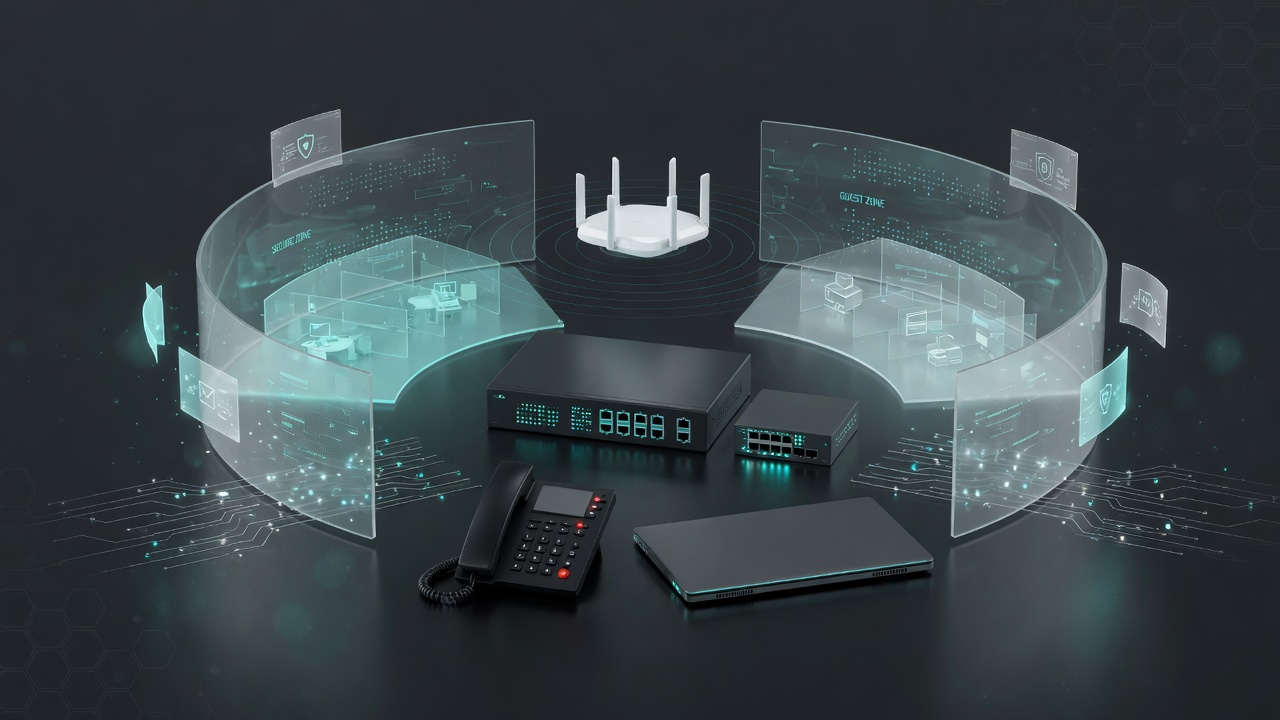
A faster circuit does not fix a dead spot in the shop, a guest network that can see the file server, or phones that fall apart when a backup runs. A practical checklist for owners in West Monroe, Monroe, Ruston, and Northeast Louisiana.
A faster circuit does not fix the building network.
When a West Monroe owner says the internet is down, they usually mean something more specific. The front desk cannot print. Teams froze in the conference room. The phones sound underwater the minute a cloud backup starts. Sometimes the circuit from the internet provider really is down. Often the circuit is fine, and the network inside the building is the thing that failed.
That inside network is a product. In 2026, managed IT firms across Monroe, Ruston, and the rest of Northeast Louisiana sell it as network management, firewall care, and business Wi-Fi. It is worth knowing what you are buying before you pay for a faster speed tier and hope the shop floor starts working.
Why the building network still matters
Identity is the front door in 2026. Stolen logins beat a lot of old break-in stories. A firewall does not replace multi-factor authentication, Conditional Access, or a tested backup. It also does not get to retire.
Cameras, printers, a small file server or NAS, door phones, card readers, and hosted voice still live on a local network. A guest laptop, a warehouse PC, and the bookkeeping computer should not all sit on one flat network because someone plugged a switch into a switch in 2019. CISA's small-business guidance still treats the network as a basic control next to accounts and backups. You do not need a campus design. You need a design an owner can explain, and a partner who will stand in the closet when the physical work is the work.
The symptoms we hear on discovery calls are ordinary:
- Wi-Fi is strong at the front desk and gone in the metal building out back.
- Visitors use the same Wi-Fi name as payroll.
- Phones are fine at 7:30 a.m. and choppy at 10:00, when everyone is on Teams and OneDrive.
- Someone forwarded a port so they could see cameras from a phone, and nobody has looked at that rule since.
- The only map of the network is in a former technician's head.
Those are network problems. A new Microsoft 365 license will not pave them over. The identity-first security article on this blog still applies. This one is about the floor everyone walks on.
What a small-office network actually is
Five pieces cover almost every 8- to 40-person office we walk in Ouachita Parish.
- The handoff. The provider's modem or fiber box brings the circuit in. When you have a real firewall, that box should pass traffic through and stop being the company's security policy.
- The firewall. This is the policy point: what may come in, what may go out, and which groups of devices may talk to each other.
- The switch. This connects the wired devices and, on a business install, can separate traffic and power phones and access points.
- The Wi-Fi. Access points go where people work. One router in a front closet is a coverage plan only for the rooms next to that closet.
- The few devices that should be wired. Servers, the NAS, the front desk, a conference-room display, and desk phones that never move.
A 2026 checklist for owners
1. Put a supported business firewall in front
Ask three questions. Is the firewall model still receiving firmware from the vendor? Who holds the admin login, and is that login protected with multi-factor authentication? Which inbound rules exist, and why?
An internet-provider gateway is a reasonable modem. It is a weak place to store years of temporary allow rules. A business firewall is a project with a named admin, updates on a schedule, and a config someone besides the installer can read. If the box is old enough that the vendor has ended updates, replacement is maintenance, the same way you replace a server that no longer gets patches.
2. Separate staff, guests, and the gadgets
A small office usually needs at least three lanes:
- Staff, for laptops and desktops that open the company files.
- Guest, for visitors, with a path to the internet and no path to printers, file shares, cameras, or phones.
- Gadgets, for cameras, thermostats, TVs, and similar devices that should not live next to payroll.
Two Wi-Fi names are not separation if both names land on the same network. Test it. Join the guest Wi-Fi from your phone and try to open a shared folder or a printer. If that works, the guest network is a label.
Change the guest password when it has lived on a sticky note for years. Turn on client isolation so guest phones are not a network of their own. Cap guest bandwidth so a visitor's update does not starve the front desk.
3. Cover the building people actually use
Metal shops, second floors, and the room over the warehouse eat a single access point. Walk the building with a phone during the busy hour. Note where calls drop and where the point-of-sale tablet gives up. Add an access point there.
The newest Wi-Fi generation is optional for most Northeast Louisiana offices. Coverage, a clean channel plan, and Ethernet back to the switch are the upgrade. If the access point itself is on Wi-Fi because nobody wanted to pull a cable, you have built a bottleneck on purpose.
4. Wire what must not stutter, and give voice a lane
Laptops move. The front desk, the server, and a desk phone do not. Put those on Ethernet.
Hosted phones, including SimpleVoice, ride the same internet and the same switches as everything else. Quality of service is the setting that tells the network to carry voice ahead of a large file sync. Without it, owners blame the phone company for a problem that starts at the firewall. A phone portal in another state cannot see your switch. The person who runs the network has to.
While you are there, check upload, not only the download number on the sales sheet. Voice, Teams, and cloud backup all care about the direction most gigabit plans treat as an afterthought.
5. Keep remote access boring
People in a truck, a Ruston office, or a house across the parish should reach the company through an account with multi-factor authentication. They should not reach it because a camera app once asked you to open a port on the firewall.
Write down every inbound rule. If remote desktop is published to the internet, close that as a scheduled project. Cameras can stay useful without sitting on the open internet. This is the same identity work as the Microsoft 365 tenant. The firewall and the login policy are one conversation.
6. Leave a one-page map
One page is enough: provider and circuit, firewall model, switch, access points, what each Wi-Fi name does, who holds the admin logins, and when firmware was last checked. If that page does not exist, you do not have a network you can hand to the next person. You have a favor.
Owners do not need a 40-page binder. They need to know which box to point at when the phones fail on a Monday.
Myths that keep the closet messy
- "We upgraded the internet, so the office is fixed." A faster download does not fill a dead spot or separate guests from the file server.
- "The guest button on the router is isolation." On many small routers it is a second name on the same network. Test it.
- "We need Wi-Fi 7." You need signal where the work happens, and a cable to the access point. Newer hardware helps after that.
- "Phones are the phone vendor's problem." Choppy audio during the busy hour is often the local network or the uplink.
- "A firewall replaces MFA." It reduces some paths. It does not stop a stolen mailbox. Keep the identity checklist in force.
- "Cameras have to be open so I can see them from my phone." There is a designed way to view them. An open port from years ago is not that design.
- "Monitoring means the network is designed." Monitoring tells you a device is up. It does not pull cable or fix a flat guest network.
How NewRockIT handles the office network
Managed IT at NewRockIT includes the building, not only the tickets. For a typical office that means a firewall that is still supported, Wi-Fi placed for the rooms you use, guest and gadget separation you can test, and voice treated as traffic that has to survive the busy hour when you are on SimpleVoice. Cybersecurity adds the layers that sit on top of that design: identity, email protection, DNS filtering, endpoint protection, and backups. DNS filtering on the network stops a lot of bad destinations before a laptop ever loads them. It still assumes the guest network is actually separate.
On-site work for access points, cabling, and firewalls is scheduled Monday through Friday, 8:00 a.m. to 5:00 p.m. Central, in West Monroe, Monroe, Ruston, Calhoun, Bastrop, and nearby. Monitoring of systems we cover can run continuously. We do not sell a 24/7 network operations center we do not staff. The useful part of a local partner is simpler: the same person who owns Microsoft 365 can stand at the rack, and you are not waiting on a phone vendor who has never seen the building.
Clinics, contractors, and dealers feel this first. A shared front-desk PC, a shop that blocks wireless, and a second location in Monroe all punish a flat network. The fix is usually a short project, then steady care, rather than a rip-and-replace every time the internet bill comes due.
If your servers or cameras still live on-site, pair this with a restore you have actually tried. A clean firewall does not bring back a NAS. The Microsoft 365 backup article on this blog covers the cloud half. The closet still needs its own copy and its own test.
The bottom line
In 2026 the login is the front door, and the office network is still the floor everyone walks on. Buy the circuit you need. Then ask whether staff and guests are separate, whether the firewall is still supported, whether the shop has signal, and whether the phones have a lane when the building is busy. That is the network. The speed tier on the invoice is only the handoff.
Ready to walk the closet? Call NewRockIT at (318) 532-5964, email hello@newrockit.com, or schedule a discovery call at newrockit.com/contact. We serve West Monroe, Monroe, Ruston, and Northeast Louisiana, and we support clients nationwide.
Related: Managed IT in West Monroe · Contact NewRockIT


